

You picked up your phone to check the weather. Forty minutes later, you are still scrolling.
You are not alone. Adults worldwide now average nearly seven hours of screen time a day, according to DataReportal, and a 2025 survey of 2,000 Americans over 50 found that TV tops the list, followed by searching the internet and playing games. Those hours quietly cost you sleep, comfortable eyes, and time on your feet.
A digital detox does not mean quitting technology or moving to a cabin. Cutting your screen time in half before 2027 comes down to seven small changes, and you can add one per week. No cold turkey, no special apps, and no guilt about the hours worth keeping.
Turns out the biggest wins have little to do with willpower. Most take under ten minutes to set up, and the first one starts with a number most people underestimate.
What All Those Hours Are Quietly Costing You
Screens are not the villain. Video calls with grandchildren, reading, and learning something new all count as screen time, and many of those hours are worth keeping.
The trouble starts with passive hours: the endless scroll, the TV that stays on after your show ends, the phone in bed. Those are the hours this plan targets.
Here is what researchers have linked to heavy, passive use, and where to find the fix.
Screen Time Research & Targeted Fixes
Scientific evidence examining physiological impacts on sleep, ocular health, psychological mood, and physical mobility.
Adults using screens before bed daily were 33% more likely to report poor sleep quality (122,000+ adults)
Blinking drops to half or a third of normal, causing temporary dry, tired eyes (per AAO)
Capping social media at ~30 mins/day eased loneliness and depression in college student experiments
Heavy TV viewing plus low activity tripled the risk of mobility disability in adults aged 50 to 71
Notice the pattern. Each problem has a simple fix, and none of them requires giving up your devices.
7 Easy Ways to Cut Your Screen Time in Half
Work through these in order, or jump to the one that fits your habits best. Each targets a different chunk of your day.
1. Find Your Real Number First
You cannot cut something in half until you know what the whole looks like. A psychology professor who studies smartphone habits told CNN that most people greatly underestimate how long they spend on their phones, because scrolling has no natural stopping point.
Open Settings, then Screen Time on an iPhone, or Digital Wellbeing on an Android phone. Read your daily average for the past week, write it on a sticky note, and divide it by two. That half is your target.
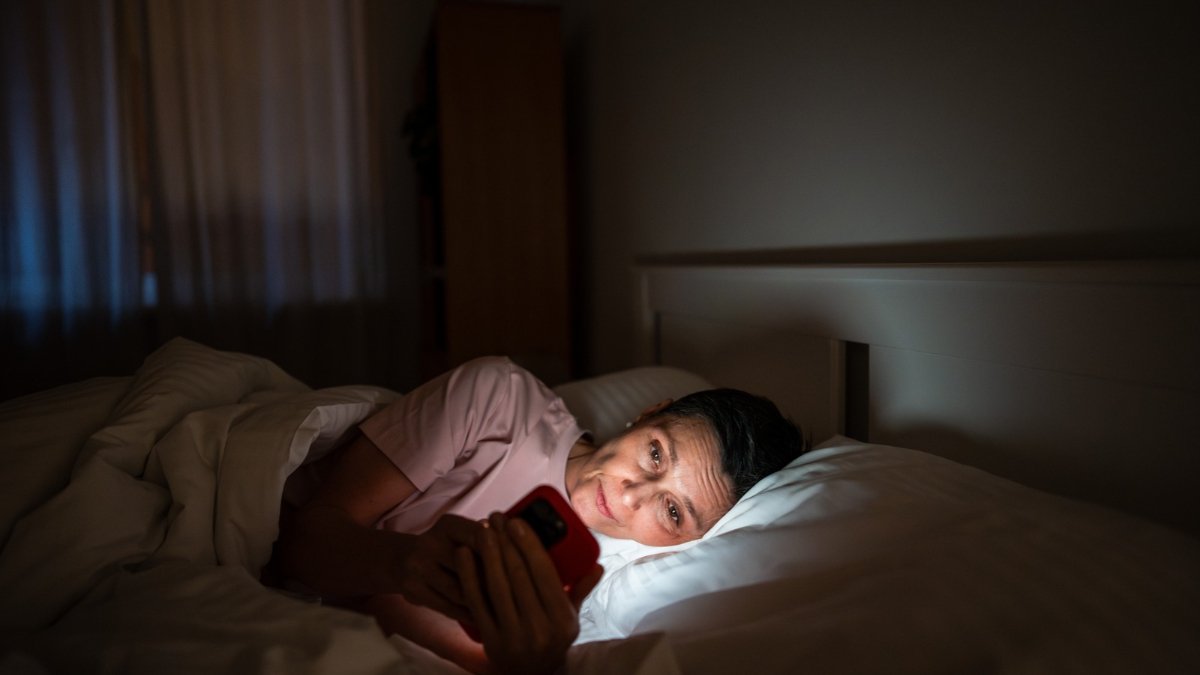
Phone trackers do not count the television. For one week, jot your TV hours on a notepad too, because for many adults 50 and older, the TV is the biggest slice.
Notice when the hours pile up, too. Is it the morning check, the afternoon TV, or the late scroll in bed? That answer tells you which of the next six ways to start with.
2. Mute Every Notification That Is Not a Person
Every buzz is a tiny tug on your attention. Checking becomes a reflex, and one psychology researcher told CNN that notifications can also stir up distracting emotions that keep you looking.
The Center for Humane Technology recommends keeping notifications only for real people, such as calls and texts. Shopping alerts, news banners, and game reminders can wait until you choose to open the app.

On an iPhone, go to Settings, Screen Time, See All App and Website Activity, and scroll down to Notifications to see which apps interrupt you most. Switch off your top five offenders today. The first two days may feel quiet, and that quiet is the point.
3. Turn Your Screen Gray
Bright colors, red badges, and glossy thumbnails are designed to catch your eye. Strip out the color and scrolling becomes noticeably duller.
Research on grayscale mode is still thin, but it costs nothing and takes about two minutes. On an iPhone, open Settings, Accessibility, Display and Text Size, Color Filters, and choose Grayscale.
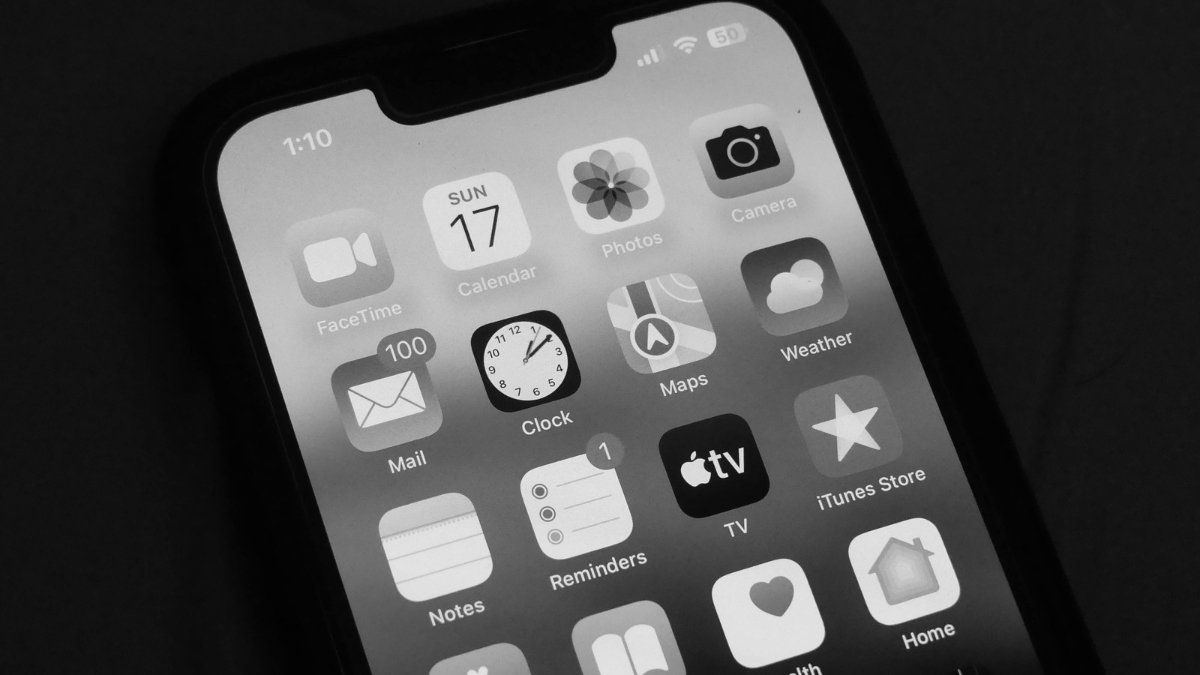
On many Android phones, search Settings for “grayscale,” where it is often tucked inside Digital Wellbeing’s bedtime mode.
Move social media and game icons into a folder away from your first home screen. Extra taps add friction, and friction cuts mindless opening. You can flip back to color whenever you want to look at photos.
4. Give Your Bedroom a Screen Curfew
Sleep is where screen time does some of its quietest damage. A JAMA Network Open study of more than 122,000 US adults found that people who used a phone or tablet before bed every day were 33% more likely to report poor sleep quality. They also went to bed later and slept about 48 minutes less per week.
Older adults are not exempt. A daily diary study of older adults found they slept fewer hours and had more sleep disturbances on days with more computer use.
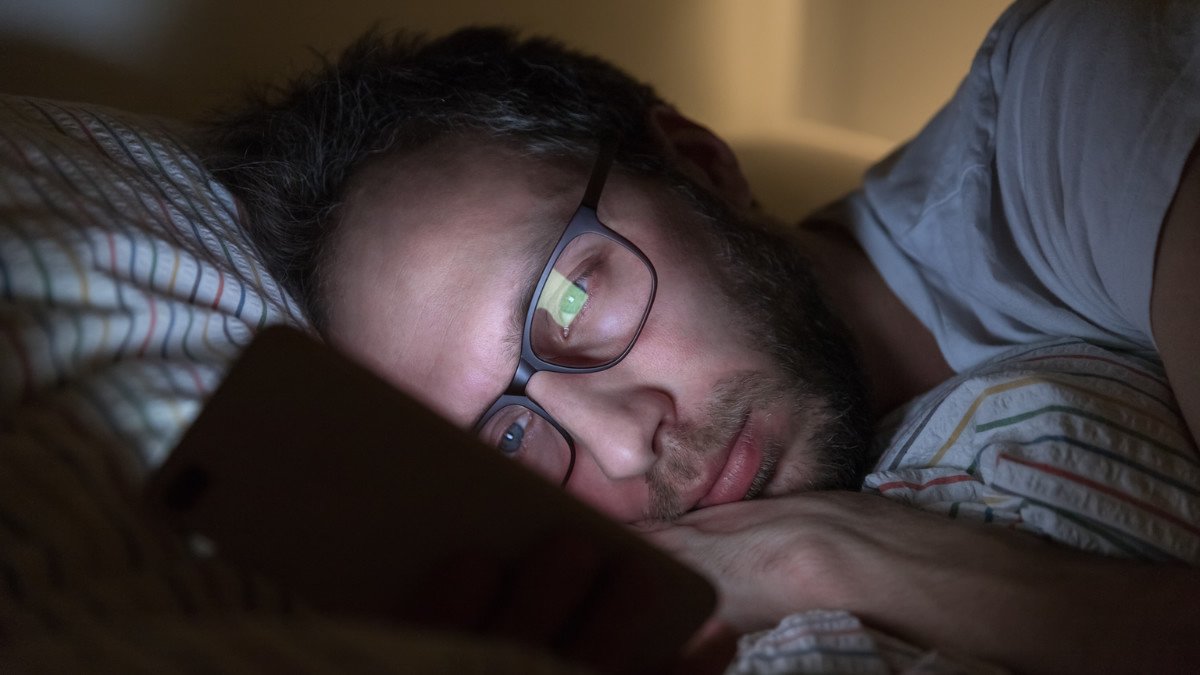
Set Downtime on an iPhone, or Bedtime mode on an Android, to start one hour before lights out. Then charge your phone in the kitchen or across the room so it is not the last thing you touch at night. Keep a paper book, a crossword, or the radio on the nightstand instead.
That single rule can trim an hour from your day, every day, without a single hard decision after dinner.
5. Make TV a Choice, Not Background Noise
For adults 50 and older, the television is usually the heaviest screen in the house. It also hides the longest stretches of sitting, which is where much of the risk lives.
Researchers from George Washington University analyzed activity patterns in about 134,000 adults aged 50 to 71 from the NIH AARP Diet and Health Study. Those who watched more than five hours of TV a day and got three or fewer hours of physical activity a week had roughly three times the risk of a mobility disability. Evening TV was flagged as especially harmful because it is rarely broken up by movement.
Separate research from USC and the University of Arizona linked passive sitting, such as TV watching, to a higher risk of dementia in adults 60 and older,
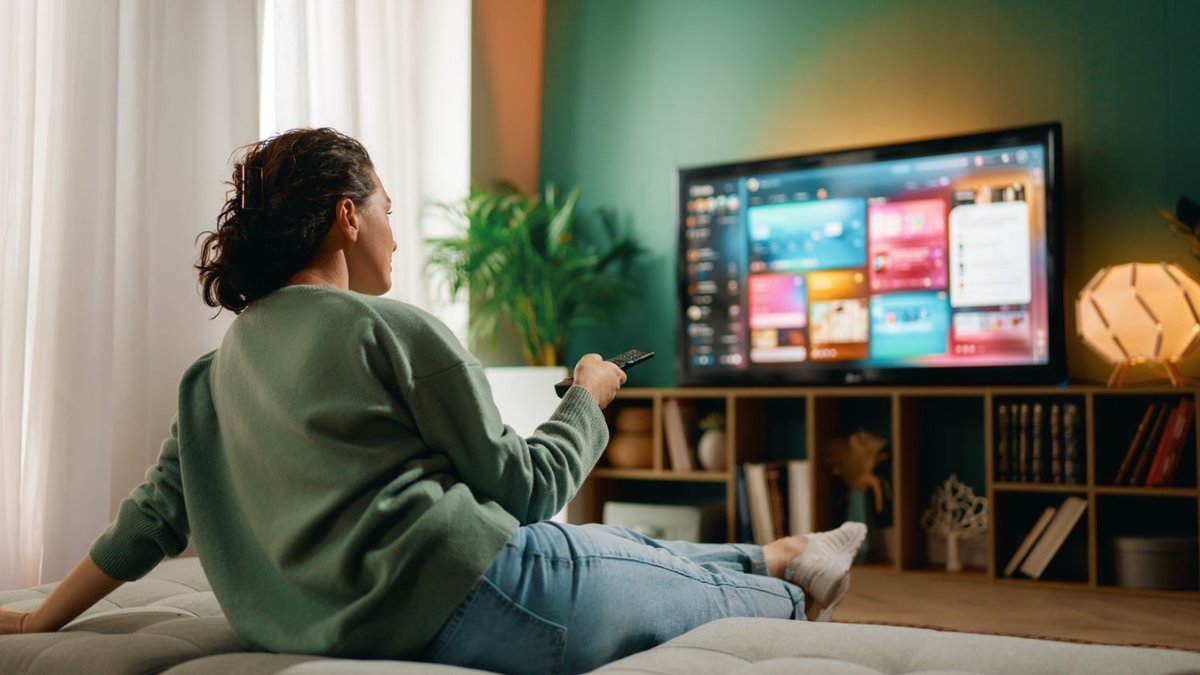
even after accounting for physical activity. Sitting while doing something mentally active, like using a computer, did not show the same pattern.
Choose your show before you turn the TV on, and turn it off when it ends. During commercials or between episodes, stand up and march in place or walk a lap around the house. The researchers’ own message for older adults was simple: move more, sit less.
Everyone’s body responds differently, so check with your doctor before adding new walking or movement breaks if you have heart, balance, or joint concerns.
6. Put a Timer on Social Media and Games
Two experiments give you a useful target. At the University of Pennsylvania, 143 college students limited Facebook, Instagram, and Snapchat to about 10 minutes each per day for three weeks. Compared with a control group, they reported significantly less loneliness and depression, especially those who started out more depressed.
Iowa State University researchers later tested a 30 minute daily limit with 230 college students over two weeks. The group that cut back scored lower on anxiety, depression, loneliness, and fear of missing out. The benefits showed up even for people who sometimes went over the limit.

One of the researchers said paying attention and trying matters more than hitting 30 minutes perfectly. Both studies involved college students, so treat them as encouraging rather than proof for older adults. Still, the idea is easy to test on yourself.
Open App Limits under Screen Time on an iPhone, or app timers in Digital Wellbeing on an Android. Set 30 minutes a day for social media and 30 for games. When the limit hits, close the app instead of tapping “ignore.”
Games are not the enemy, but a timer keeps one round from becoming two hours. If you know you will override the limit, ask your spouse or a friend to choose the passcode.
7. Replace the Hours Before You Remove Them
Cut a screen hour and leave a blank, and the habit quietly refills it. Decide what replaces each hour before you give it up.
Pick swaps you actually enjoy. A 10 minute walk after dinner breaks up sitting time, which researchers keep recommending for older adults. Call a friend or a grandchild, because connection is often what we are scrolling for anyway.
In the Talker Research survey, 67% of older adults said they do puzzles or play games and 59% said they read to support their cognitive abilities. Keep a puzzle book and a paperback within reach.
Then build a few no phone zones: the dinner table, the bedroom, and the bathroom. When you are doing something you enjoy, leave the phone in another room.
Your Seven Week Plan to Halve Your Screen Time
Give each step about a week, and shorten the plan if you are starting late in the year. The goals below assume a starting point of six hours a day, so scale them to the number you found in Way 1.
7-Week Screen Reduction Roadmap
Progressive behavioral interventions, behavioral focus areas, and daily screen time targets for neurobiological reset.
Ways 1 and 2: measure baseline usage and mute non-essential notifications
Way 3: go gray (remove color triggers from UI)
Ways 4 and 5: bedtime curfew and intentional TV choices
Way 6: implement hard app timers and limits
Way 7: offline habit swaps, followed by metric recheck
Slip up one day? Start fresh the next morning. The Iowa State researchers found benefits even when people sometimes broke their limit.
Try This Today
The Five Minute Screen Reset
- Open Screen Time or Digital Wellbeing and write down your daily average.
- Turn off notifications for every app that is not a call or a text.
- Plug your phone in outside the bedroom tonight.
- Try the 20 20 20 rule: every 20 minutes of screen use, look at something 20 feet away for 20 seconds. The American Academy of Ophthalmology and the American Optometric Association both recommend it, though research on the rule itself is limited.
- After your next TV show ends, stand up and walk for five minutes before choosing the next one.
When to Call Your Doctor
Stop reading and call your doctor if you notice:
- Eye pain, flashes of light, double vision, or sudden changes in vision.
- Eye strain that continues after regular breaks and an updated eye exam.
- Sadness, loneliness, or loss of interest that lasts more than two weeks.
- Pain, swelling, or warmth in one leg after long hours of sitting. Seek emergency care if you also have sudden shortness of breath or chest pain.
The Bottom Line
Cutting your screen time in half is less about discipline and more about design. Measure the number, silence the noise, dull the screen, protect your sleep, make TV deliberate, cap the feeds,

and fill the gaps with something you enjoy.
By the time the calendar flips to 2027, you could have more sleep, rested eyes, and hours back in your day.