The Everyday Screen Habit Eye Doctors Say Is Damaging Your Vision (Stop Doing This Today)

Over 65% of adults have experienced symptoms of digital eye strain—headaches, dry eyes, blurred vision. Yet most people don’t realize they’re damaging their vision with everyday screen habits.
Your eyes hurt by 3 PM. Your vision blurs after work. Your head pounds. You think it’s just part of modern life. It’s not. Unmanaged digital eye strain costs an estimated $151 billion to the U.S. health system, worker productivity, and wellbeing in 2023.
Here’s what you’ll learn: the exact screen habits causing your vision problems (backed by 2025 research). Why humans normally blink 15 times per minute, but screen time cuts that to half or a third. Actionable solutions including the 20-20-20 rule, ergonomic setup, and helpful apps.
You’ll discover what’s myth versus reality about blue light damage. And how to protect your eyes without reducing productivity. Computer vision syndrome is preventable. Let’s fix your screen time habits before they permanently damage your eye health.
Point→ 1. What Is Digital Eye Strain (And Why It’s Worse Than You Think)

Your eyes hurt. Your head pounds. You blame it on stress or lack of sleep. But the real culprit is staring you in the face—literally.
Digital eye strain (DES), also called computer vision syndrome (CVS), is what happens when your eyes rebel against hours of screen time.
MISSION BRIEFING: DIGITAL EYE STRAIN (DES)
- Dry, Scratchy “Sandpaper” Eyes
- Blurred Vision (Focus Failure)
- Headaches (Spreading Pain)
- Neck & Back Pain (Posture Lag)
Symptoms sneak up during prolonged exposure.
Phone ➔ Computer ➔ Tablet ➔ Late-Night Scrolling.
Half of U.S. teens log 4+ hours recreational screen time daily. Developing eyes are highly vulnerable.
2025 Meta-analysis confirms: Extensive screen time is linked to MYOPIA (Nearsightedness). This is a PHYSICAL STRUCTURE CHANGE, not temporary discomfort.
Mechanism: Accommodation muscles LOCK into one position for hours. They are not designed to freeze at 20 inches.
Ignoring tired eyes allows damage to compound.
The symptoms sneak up on you: dry, scratchy eyes that feel like sandpaper. Vision that blurs when you look up from your laptop. Headaches that start behind your eyes and spread. Even neck and back pain from hunching toward your screen.
Here’s what makes this scary: you’re not alone. Over 65% of adults deal with these symptoms. If you work in IT or spend your day at a computer, your odds jump to 82.41%. That’s eight out of ten people in your office right now.
Point→ 2. The Hidden Screen Habits Destroying Your Vision

Many people use screens daily without realizing that small, repeated habits are quietly straining their eyes. These issues aren’t dramatic—but over time, they add up to discomfort, dryness, headaches, and blurred vision.
You Blink Less Than You Should
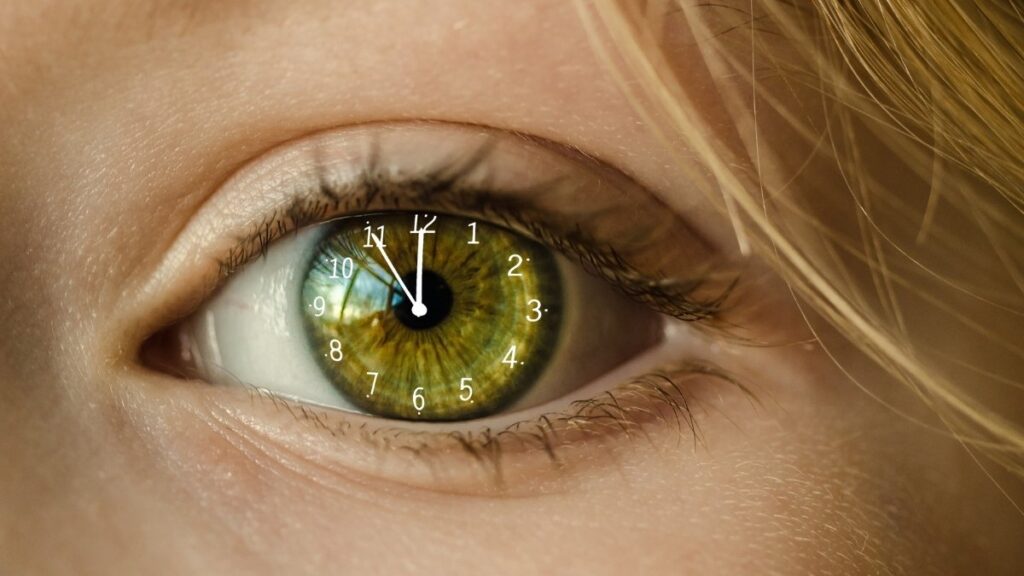
When using screens, your blink rate drops sharply. Blinking keeps the eyes moist by spreading tears evenly. Reduced blinking leads to dryness, irritation, redness, and that gritty feeling later in the day.
Your Screen Distance Is Incorrect

Sitting too close or too far forces your eyes to work harder. The ideal screen distance is about 20–25 inches (arm’s length). Laptop users are especially prone to poor distance because screens are often too close and too low.
Your Screen Angle Is Too High
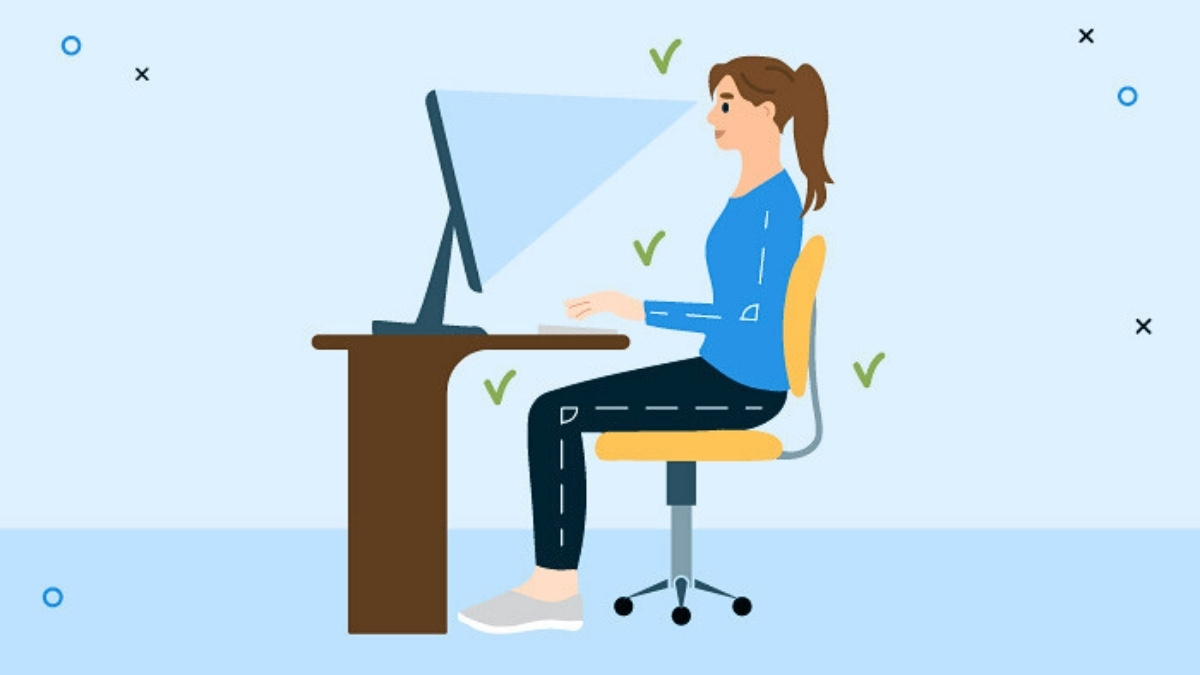
Screens positioned at or above eye level keep your eyes wide open, increasing tear evaporation and strain. A slightly downward viewing angle (about 10–20 degrees) reduces eye exposure and improves comfort while also helping neck posture.
You Don’t Take Visual Breaks

Staring at screens for hours keeps eye-focusing muscles constantly contracted. Without breaks, this causes fatigue and headaches. Short, frequent breaks are essential to relax these muscles and prevent strain.
Your Lighting Works Against You
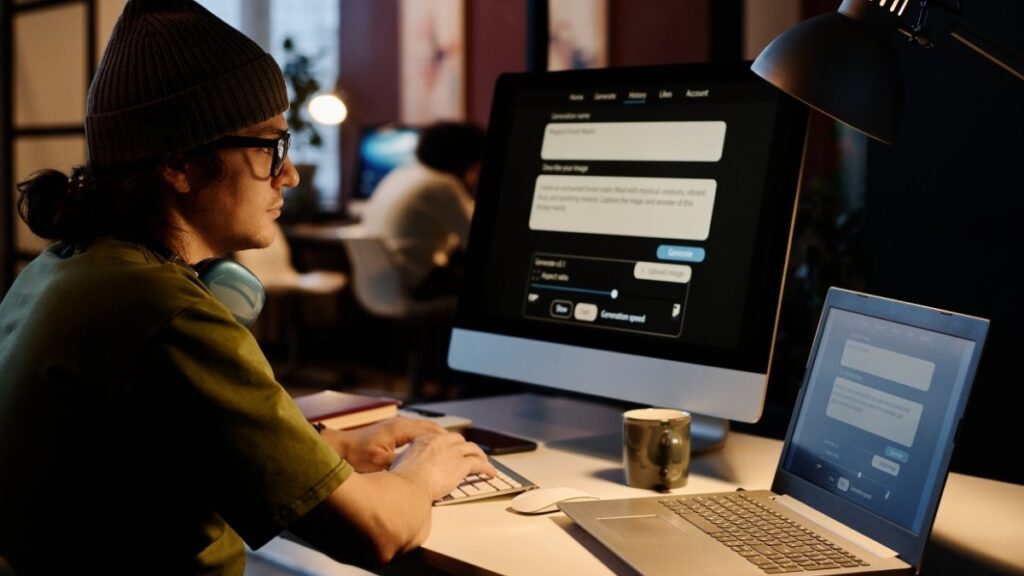
Glare, reflections, overly bright rooms, or working in the dark force your eyes to constantly adjust. Poor lighting increases squinting and strain, especially when screens are much brighter than the surrounding environment.
The Big Pattern
All these problems come from unconscious screen use. Paying attention to how you blink, sit, position screens, take breaks, and manage lighting can significantly reduce eye strain and protect long-term visual comfort.
Point→ 3. Blue Light: Separating Fact From Fiction
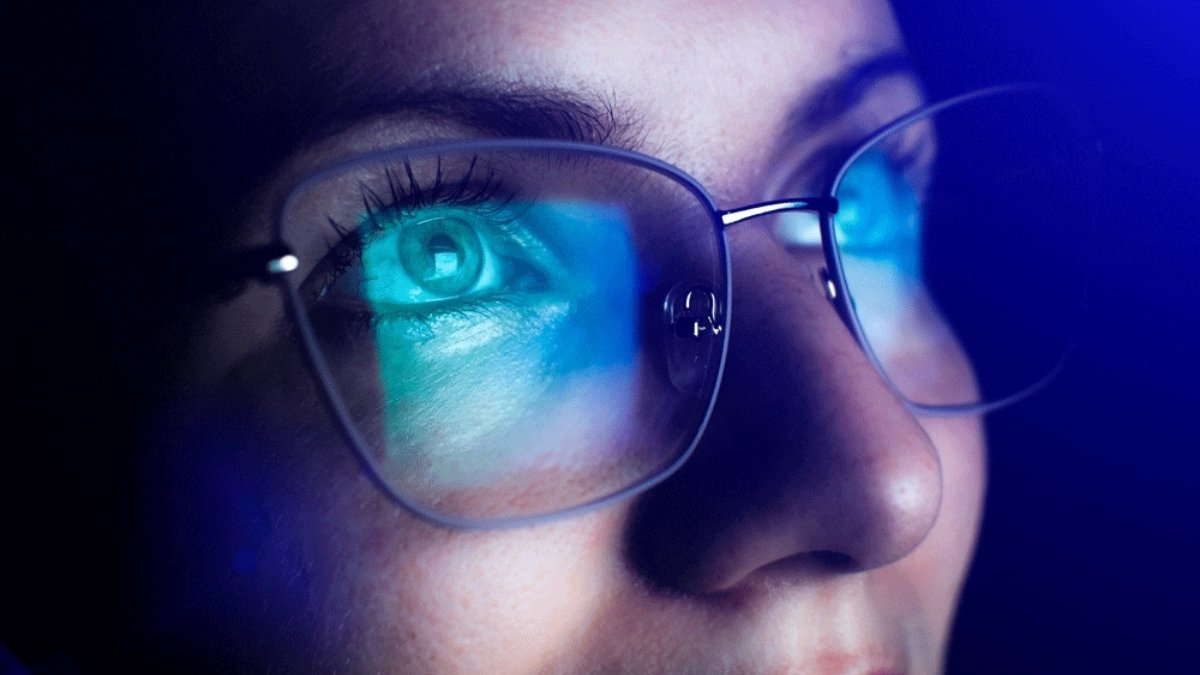
Blue light–blocking glasses are marketed as eye-saving tools, but science tells a different story. According to the American Academy of Ophthalmology, the small amount of blue light emitted by screens has never been proven to damage the eyes.
No study has shown permanent eye harm from phone or computer screens. The Glaucoma Research Foundation also confirms that there is no credible evidence linking screen light to eye disease.
The fear around blue light and eye damage is largely driven by marketing, not medicine.
What Blue Light Really Affects
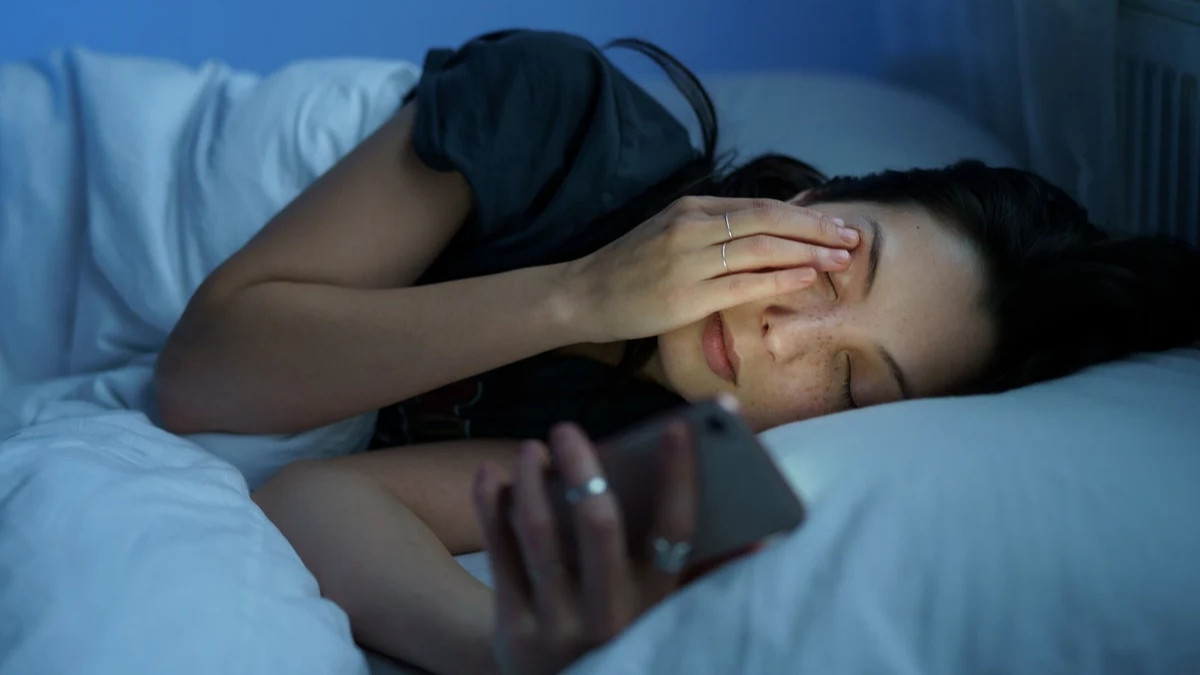
Blue light does not harm your vision, but it can disrupt sleep. Evening exposure to blue light suppresses melatonin, the hormone that signals your body to sleep. This confuses your circadian rhythm and makes your brain think it’s still daytime. As a result, you may feel alert late at night and struggle to fall asleep. This effect impacts sleep quality, not eye health.
Why Blue Light Glasses Aren’t Necessary

The American Academy of Ophthalmology states that blue light glasses are not needed to protect your eyes or improve sleep. Reducing screen time before bed and using built-in night mode settings are enough. Expensive blue light glasses solve a problem that doesn’t exist.
The Real Cause of Eye Strain
Digital eye strain comes from poor screen habits, not blue light. Reduced blinking, improper screen distance, bad posture, and long hours of fixed focus strain your eyes. Fixing these habits matters far more than blocking blue light.
Point→ 4. The 20-20-20 Rule: Your First Line of Defense
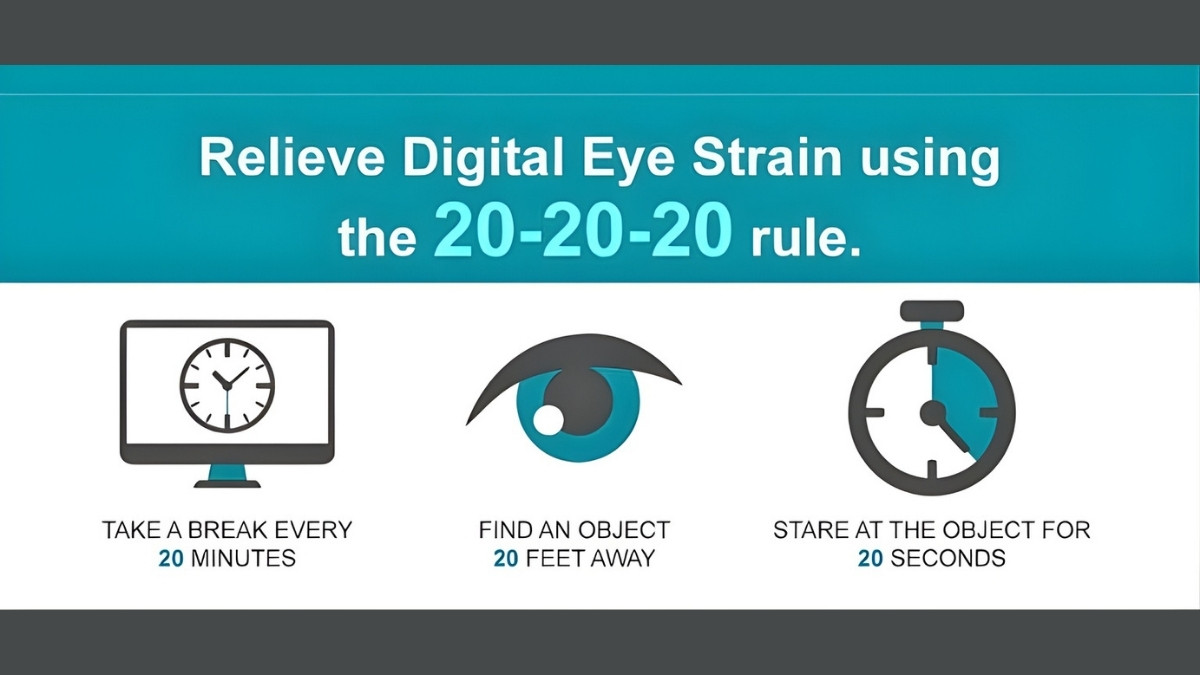
The 20-20-20 rule is one of the simplest and most effective ways to reduce digital eye strain. The rule is easy to remember: every 20 minutes, look at something 20 feet away for 20 seconds. This short break gives your eyes a chance to relax from constant close-up screen focus.
What the 20-20-20 Rule Does

When you stare at screens, your eye muscles stay continuously contracted to maintain near focus. Over time, this leads to fatigue, discomfort, headaches, and blurred vision. Looking at something about 20 feet away allows those focusing muscles to relax and reset. This reduces strain and helps prevent the buildup of eye tension caused by prolonged screen use.
Why It Works

Eye doctors recommend this rule because it targets the main cause of digital eye strain: uninterrupted near work. Shifting your focus to a distant object briefly switches your eyes out of “close-work mode.” This simple action lowers muscle stress and improves comfort during long work sessions.
What Research and Experience Show
Studies and real-world use show that the 20-20-20 rule helps reduce symptoms like eye discomfort, dryness, headaches, and visual fatigue. While it’s not a permanent cure and won’t instantly fix dry eye disease, many people notice symptom relief within days.
How to Make It a Habit
Most people forget to take breaks, so reminders matter. Use timers, apps, or browser extensions to stay consistent. When the reminder goes off, stop for 20 seconds and focus on something far away. Done regularly, this small habit can make a noticeable difference in daily eye comfort.
Point→ 5. Ergonomic Setup: Positioning Your Screen to Prevent Damage
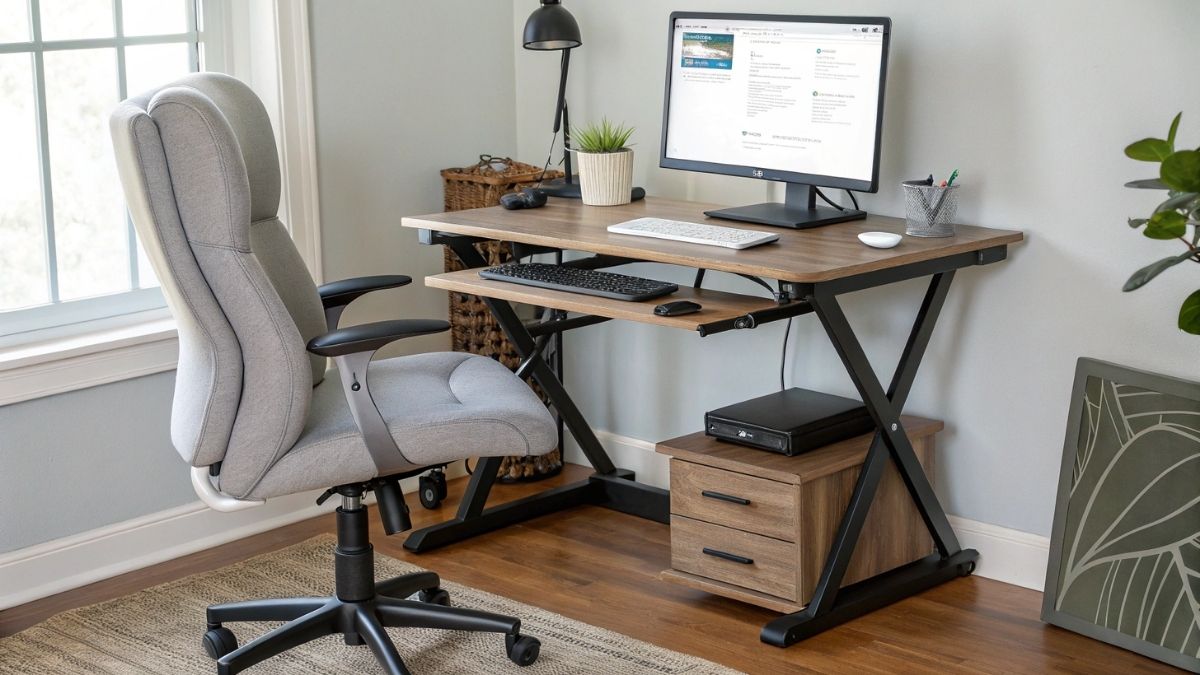
A poor desk setup can lead to eye strain, headaches, neck pain, and blurry vision—but fixing it takes only a few minutes. Start with screen distance. Sit about 18–25 inches (arm’s length) away from your monitor. Sitting too close forces your eyes to overwork, while sitting too far makes you squint. Adjust your chair or monitor so text is clear without leaning forward.
Next, fix screen height. The top of your screen should be at or slightly below eye level, allowing your eyes to look downward at a 10–20° angle. This reduces eye dryness by limiting tear evaporation and also relaxes your neck. Tilt your monitor slightly backward (about 10–20°) to minimize glare from overhead lighting.
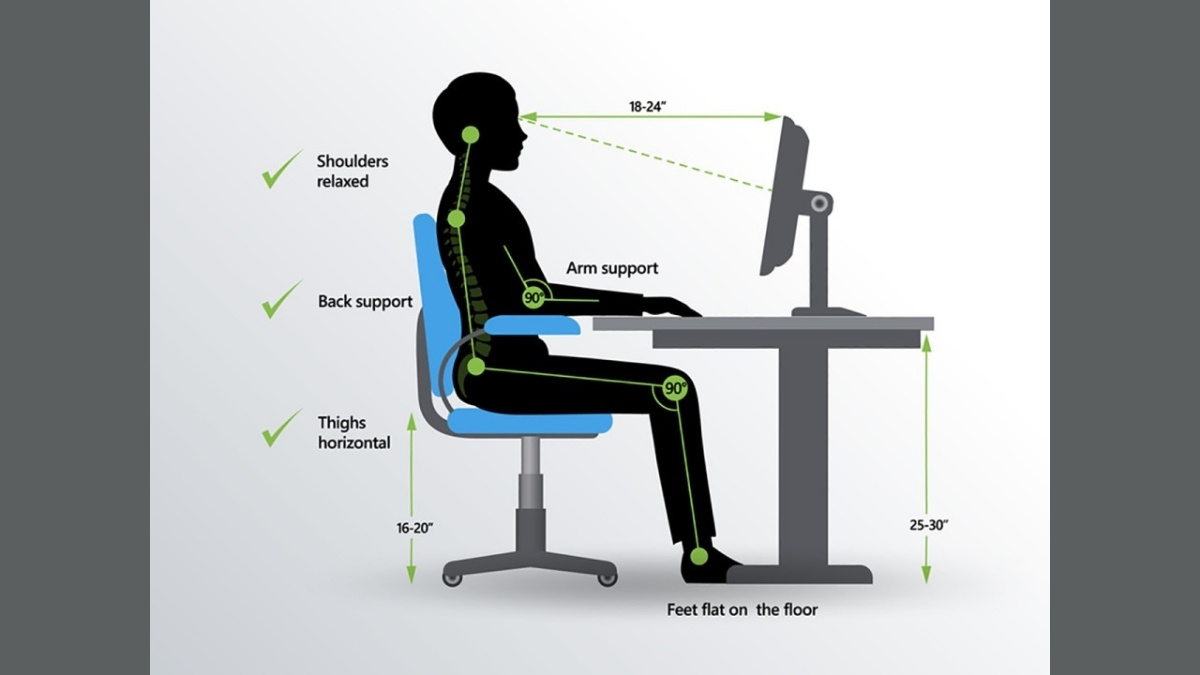
For dual monitors, place the main screen directly in front of you and the secondary one slightly angled to the side. A deeper desk (around 30 inches) helps maintain proper viewing distance without leaning in.
Why Laptop Screens Cause More Strain
Laptop screens are often too small and too low, causing users to squint and lean forward. The best solution is an external monitor. If that’s not possible, use a laptop stand to raise the screen to eye level and pair it with an external keyboard and mouse. This simple change greatly reduces eye and neck strain.
Point→ 6. Lighting and Environment: Creating an Eye-Friendly Workspace

Even with perfect screen distance and posture, poor lighting can strain your eyes. Always place your monitor perpendicular to windows, with the window on your left or right—not in front or behind. This prevents glare and extreme brightness contrast.
Use blinds or curtains to control sunlight throughout the day, as light angles change. Glare from windows or overhead lights forces your eyes to work harder, even if you don’t notice it consciously. If glare is unavoidable, anti-glare screen filters are an effective and affordable solution.
Match your screen brightness to the room. A quick check: a white screen should look like a white sheet of paper under your room lighting—not glowing like a bulb or looking dull and gray. Adjust brightness as lighting changes during the day. Most people keep screens too bright, which increases fatigue.
Optimize Your Environment for Eye Comfort
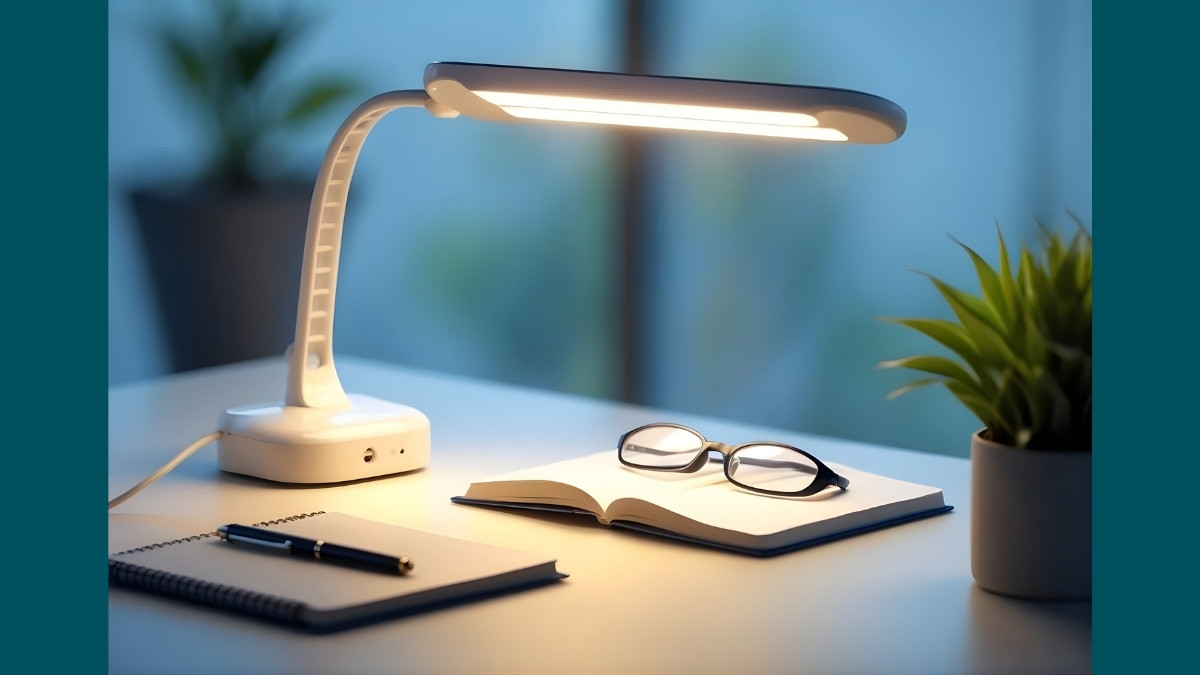
Use an adjustable desk lamp with a 5000–6500K color temperature, similar to natural daylight. Place it to the side of your desk so it lights your workspace without reflecting on the screen. LED lamps with dimmers are ideal because they don’t flicker or overheat.
Air quality also matters. Dry air from air conditioning worsens eye dryness and irritation. Use a small desk humidifier to maintain moisture in the air, keep AC vents pointed away from your face, and clean humidifiers regularly. A balanced lighting setup and comfortable environment significantly reduce eye strain and improve long-term visual comfort.
Conclusion
Digital eye strain affects 65% of adults but is preventable. Use the 20-20-20 rule. Position your screen arm’s length away, below eye level. Blue light isn’t the villain—reduced blinking is.
Start today: Download a reminder app. Adjust your screen. Notice improvement within days. Protecting your vision from digital eye strain requires no expensive equipment—just awareness and consistent habits.